Colour grading · LUTs · Film grain · iPhone
One look.
The whole batch.
Looks is an iPhone app for batch colour grading with LUTs and film grain. Use the included Summer Grading LUT or import your own .cube files.
Get Looks for iPhoneOn-device processing. Originals stay yours.
See the App Store for pricing and compatibility.
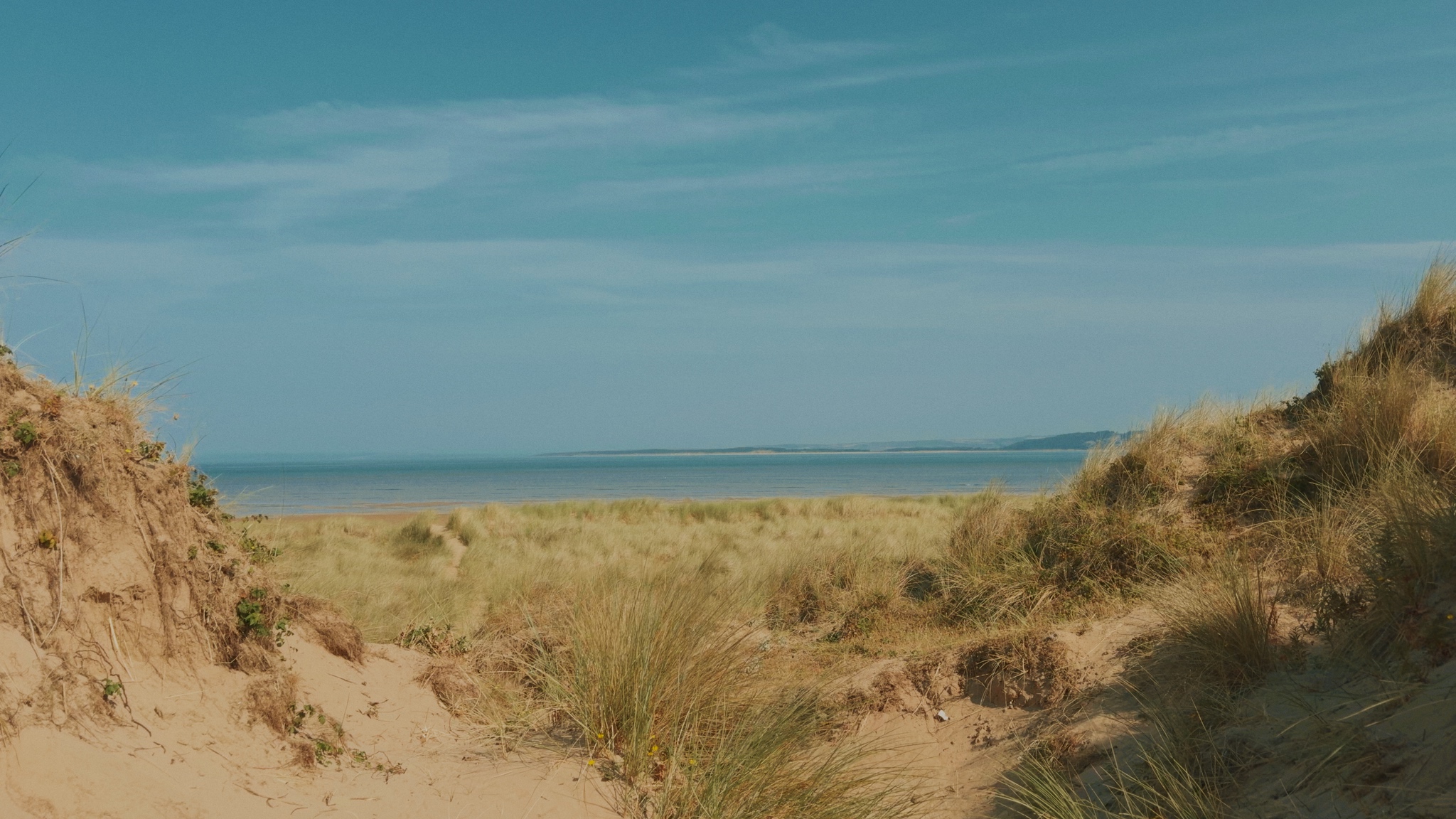
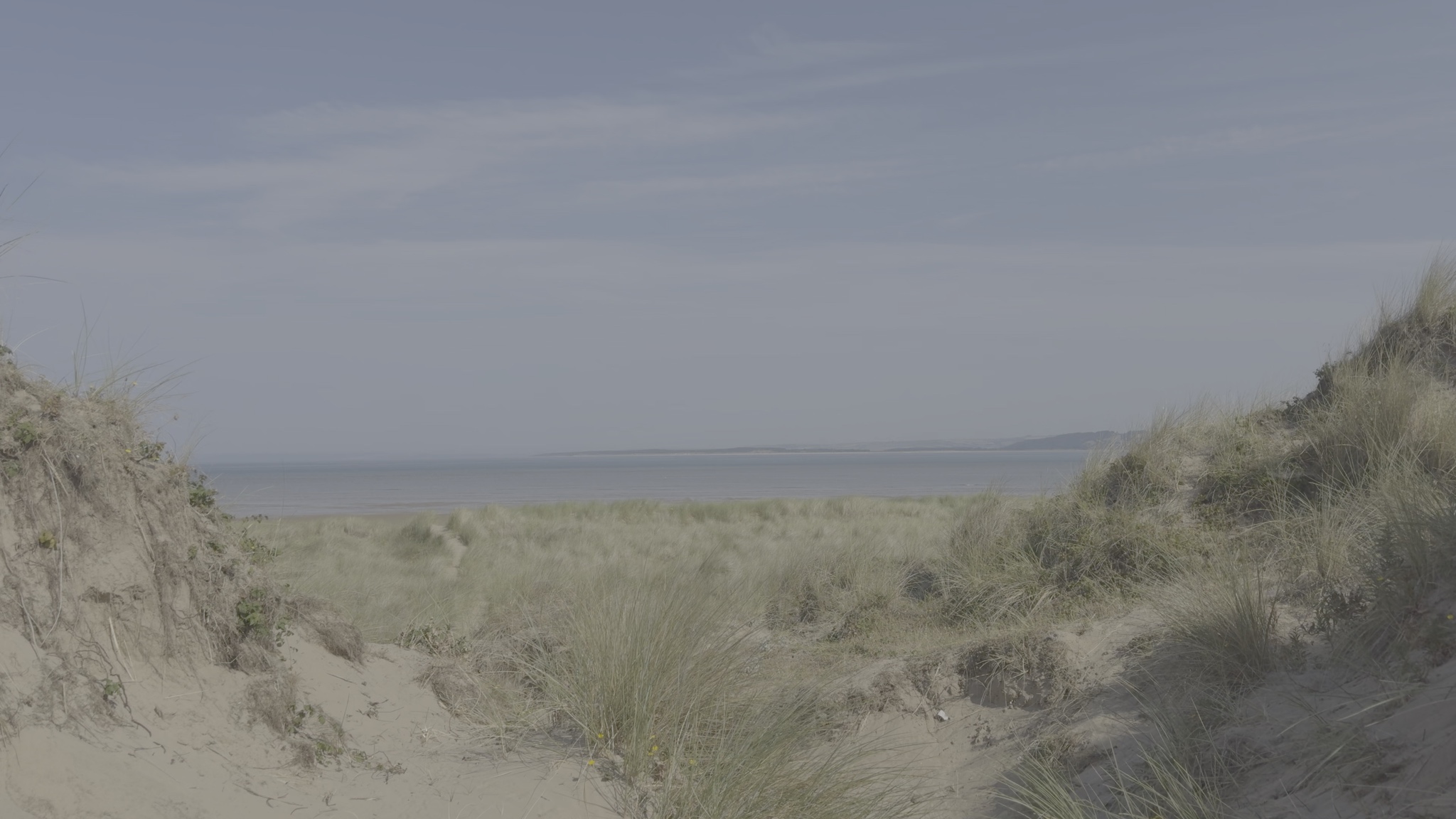 OriginalSummer GradingDrag left or right to compare the same frame. Use arrow keys to adjust, Home for the graded image, or End for the original. The original preview has no LUT or grain.
Drag to compare. Preview of the updated Summer Grading look.
Inside Looks
A few taps.
A whole new feeling.
Choose your media. Set your look. Save new copies.
Screens shown are a preview of the upcoming app update.
Swipe to explore the app
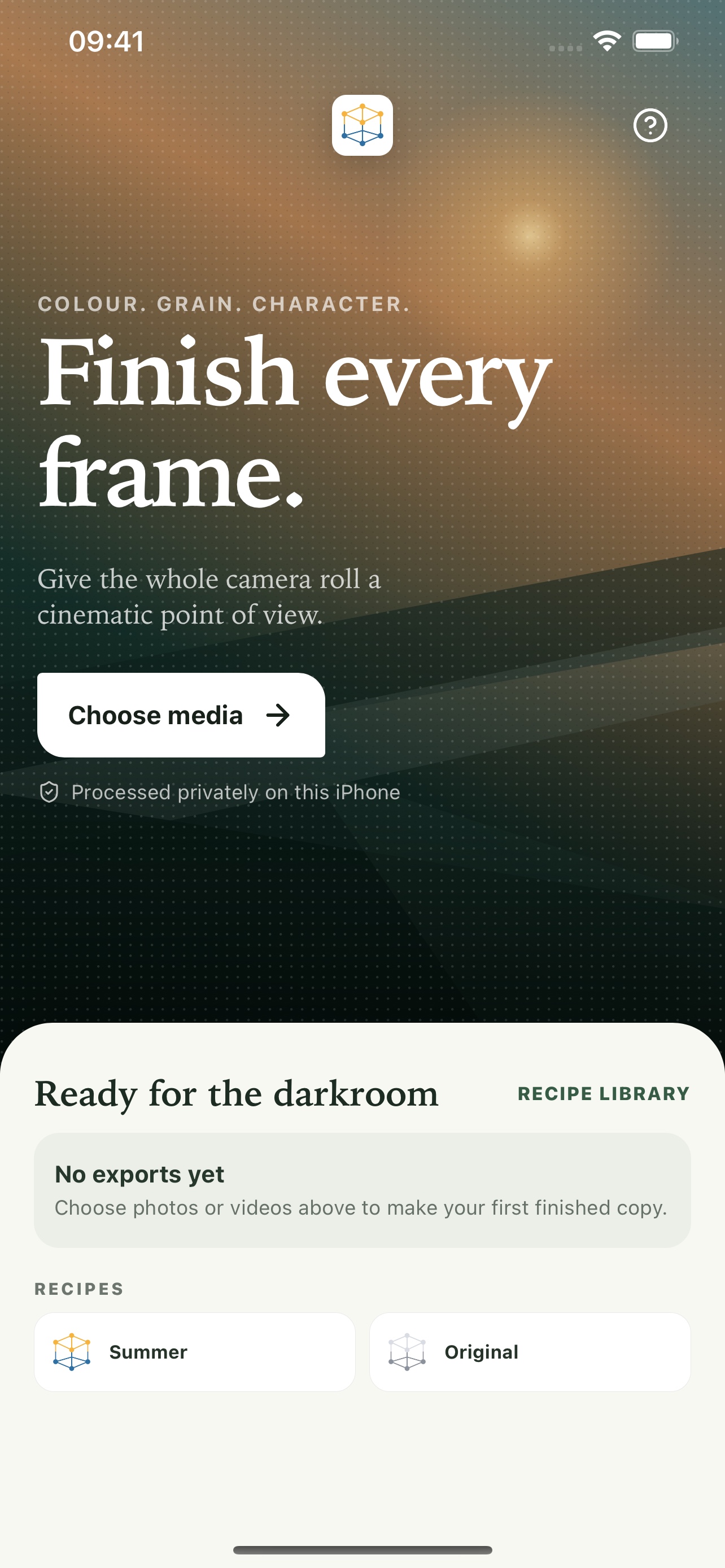
Choose your media
Start with photos and videos from your library.
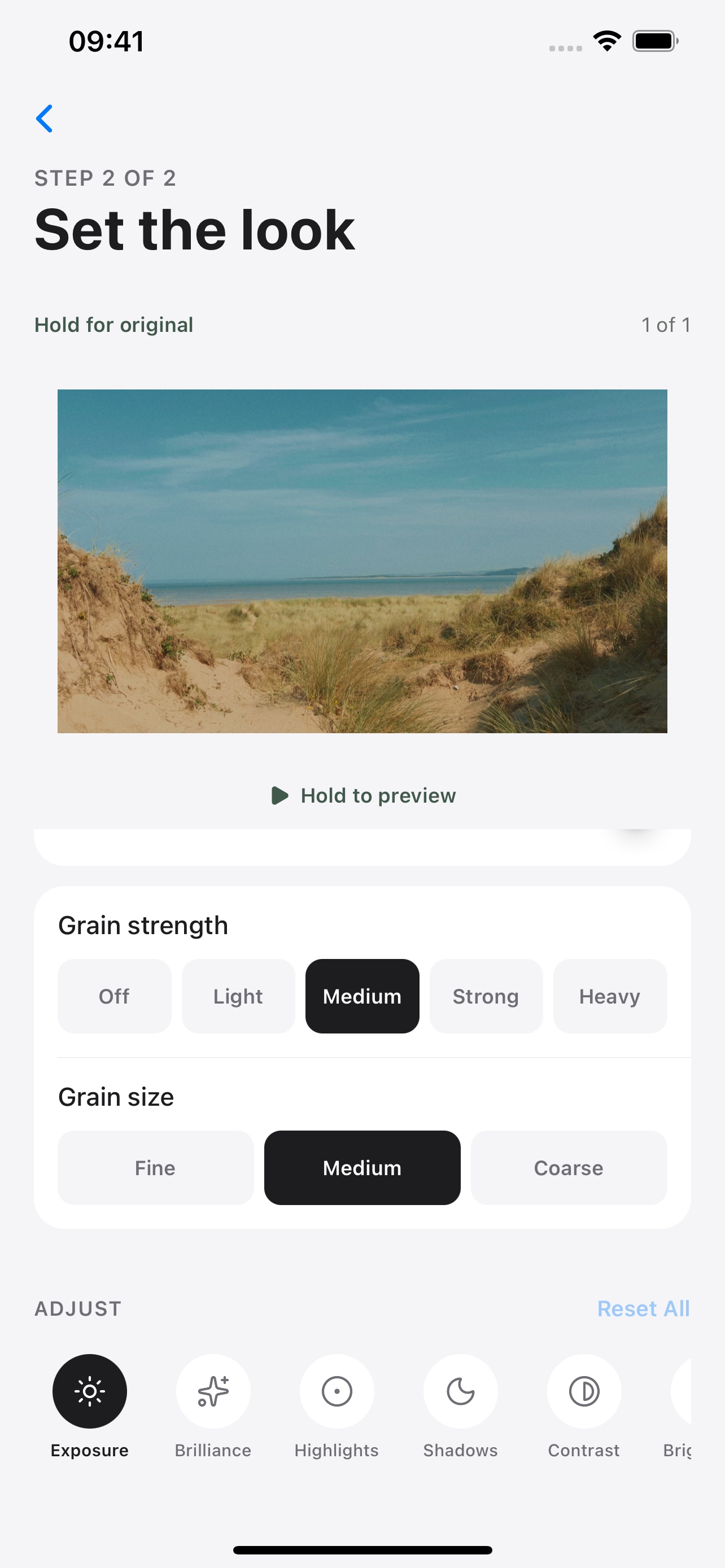
Make it yours
Preview your grade and dial in the grain.
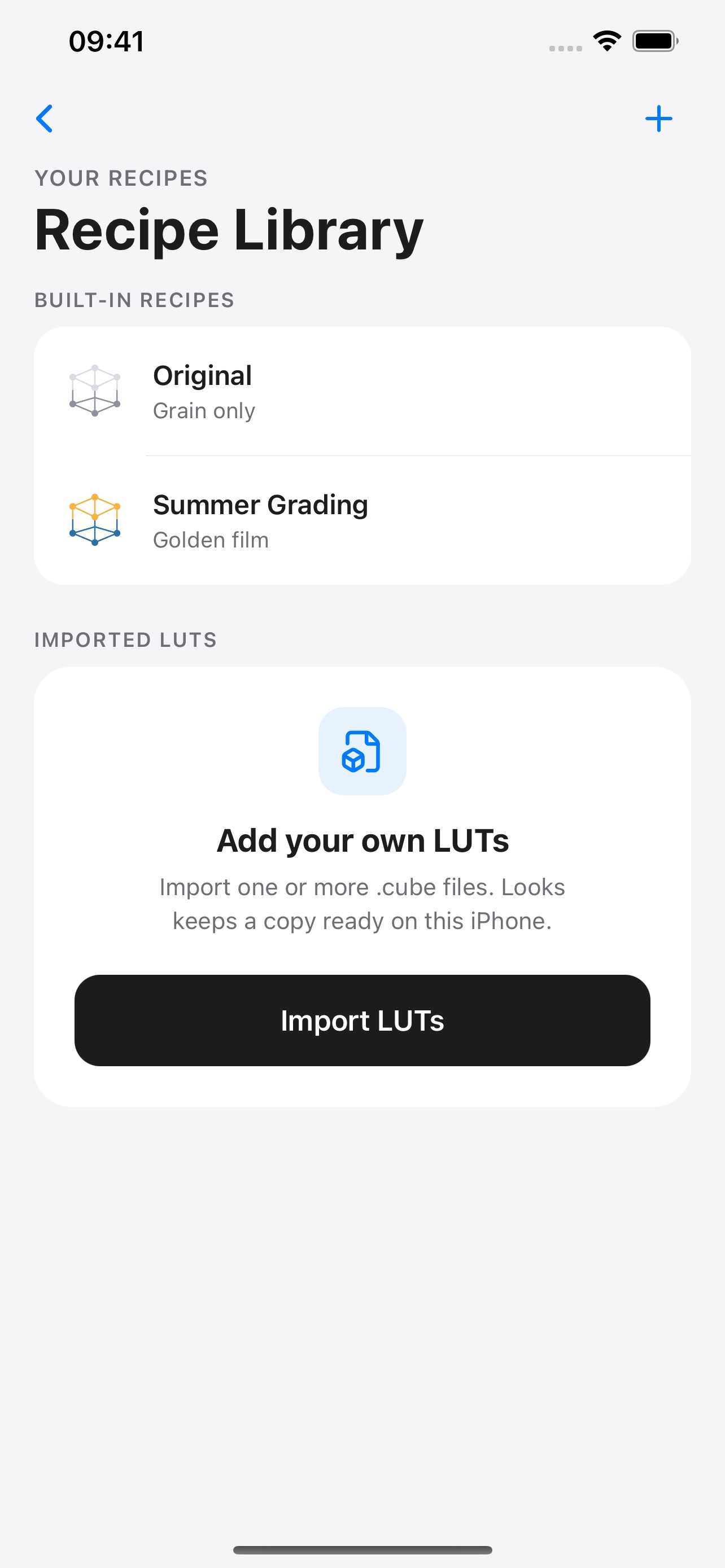
Keep your favourite looks
Summer Grading is included. Import your own LUTs too.
Keep Looks open while it processes. Finished copies go to Photos; your originals stay unchanged.
The Looks field guide
A little guidance.
A better starting point.
New to Apple Log or LUTs? Here is where to start.
Before you begin.
Which footage works with Summer Grading?
Summer Grading is designed for Apple Log 1. For Apple Log 2, standard video or photos, choose a LUT that matches the source. Read the Apple Log guide
Can I bring my own LUTs?
Yes. Import standard 3D .cube files and reuse them on your iPhone. Learn how to import a LUT
What happens if I leave the app during export?
iOS may pause processing. Reopen Looks to continue the queue from the next unfinished item. Your original media stays unchanged.
Private by design
Your media stays on your iPhone.
No account. No media uploads. No advertising or analytics.
Read the privacy policy